Keep the good bits.
Trim and combine your clips. Build a sequence that holds together from beginning to end.
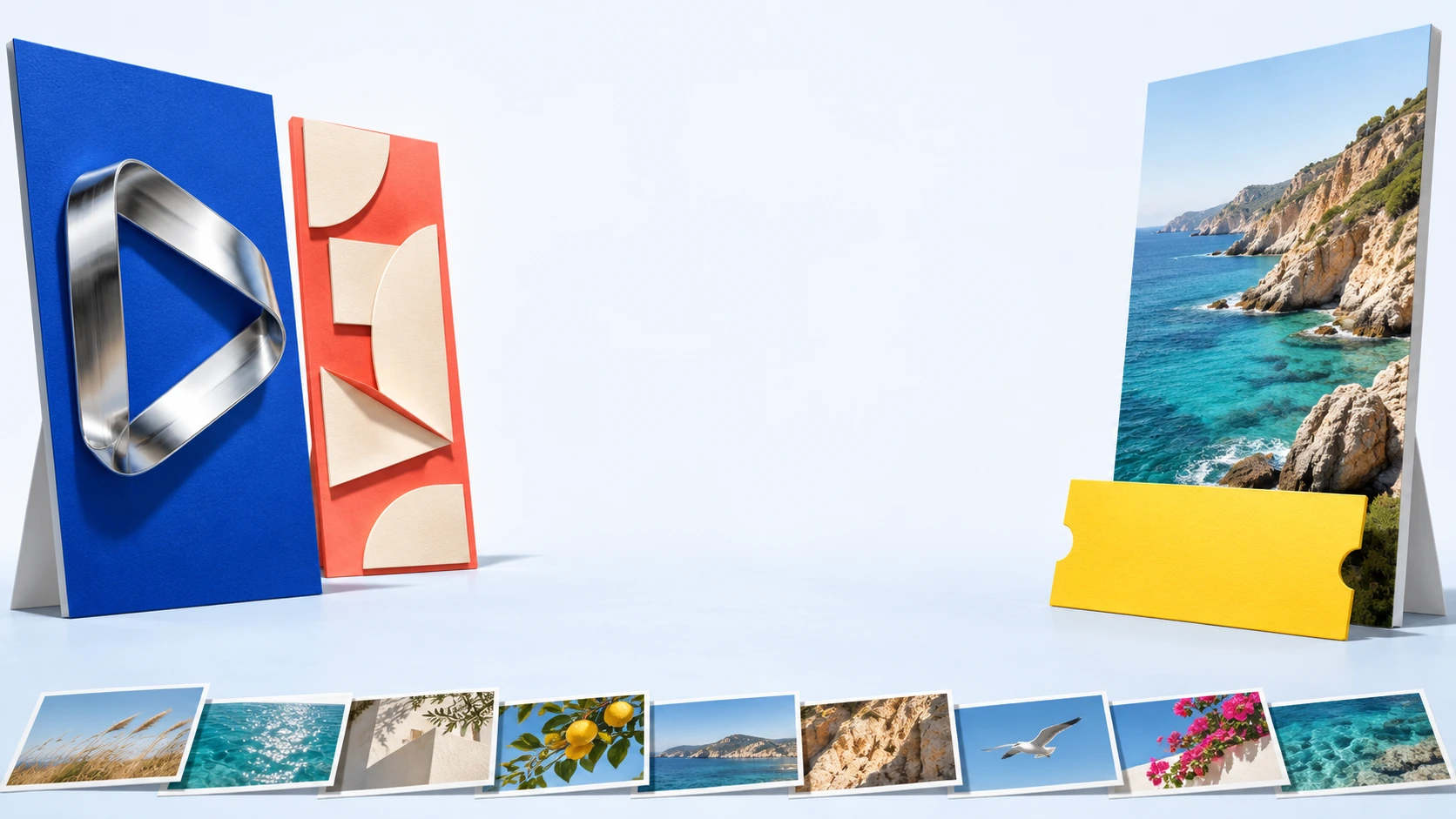
A LITTLE IDEA. A WHOLE NEW VIDEO.
Make something
worth watching.
From the first hello to the final frame.
Video templates, editing and a little imagination.
01 / FIND YOUR FORMAT
An introduction. A launch. A moment.
Start with the story you want to tell.
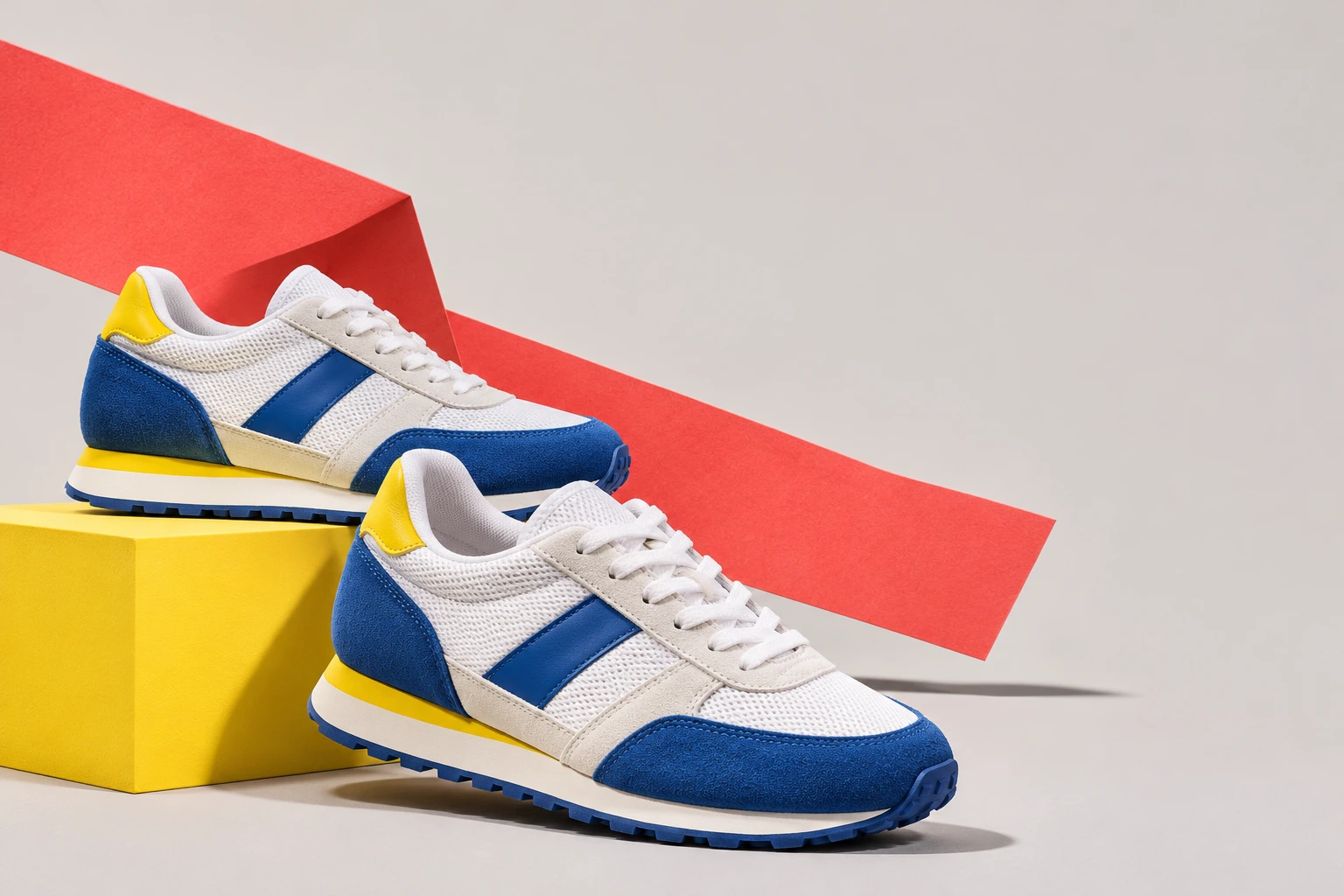
Promotional videos
Bring product photos, a message and music together in a customizable promotional video.
Lead with the detail that makes your product different, then finish with one clear next step.
02 / THE FINISHING TOUCHES
Shape the pace. Set the tone.
Give every frame a reason to be there.
Trim and combine your clips. Build a sequence that holds together from beginning to end.
Bring your own words and branding into the edit. Keep the most important line easy to read.
Add a soundtrack that belongs with the story. Leave a little space for the images to speak.
Preview the edit. Check the text, sound and final frame before choosing an available export option.
One message A clear beginning A memorable ending
03 / IN YOUR POCKET
Your idea does not have to wait
until you get back to your desk.
Explore a starting point, add your own perspective and make the next frame count.
Google Play listing screenshots.A FEW THINGS BEFORE YOU START
From your first project
to the practical details.
Explore video templates, logo intros and outros, music visualizations, photo slideshows and promotional videos. Mobile editing tools also let you trim and combine media, add music and work with text. Available tools can differ by platform and app version.
No. A template gives your project a starting point. Pick a direction, bring your own media, then adapt the text and sound to your story. Check the app for the templates and customization options currently available.
The poster exhibition and creative concepts are illustrative campaign artwork, not promised templates or generated results. The images in 'A closer look at the app' are genuine screenshots from the Google Play listing. Your app may look different after an update.
There are Renderforest listings on Google Play and the App Store. Open the store for your device to check regional availability, compatibility and the latest version. This website does not install the app or process payments.
Review the price, included features, export limits and any renewal terms on the purchase screen before confirming. The app offers in-app purchases; options can vary by device, region and version. No paid plan or trial is activated on this website.
Manage a store-billed subscription through the account that made the purchase. For a refund, use Google Play's order-history refund process or Apple's Report a Problem service, depending on who billed you. Approval and eligibility are determined by the billing platform. Cancellation does not itself refund an earlier payment, and an approved refund may remove access to the refunded purchase. This website cannot issue app refunds.
Check the app's account or privacy settings for a deletion option. If you cannot find it, use the developer's App support contact shown in the store listing to request deletion. Include only the information needed to identify your account, never your password. Uninstalling the app does not necessarily delete server-held data or cancel a subscription.
Use content you own or have permission to use, including permission from people shown where required. Check the license for music and other assets, especially for commercial projects. Review your finished video before sharing it, and avoid misleading or infringing content.
YOUR NEXT VIDEO STARTS HERE
Check your store for availability, compatibility and purchase options.